
pos
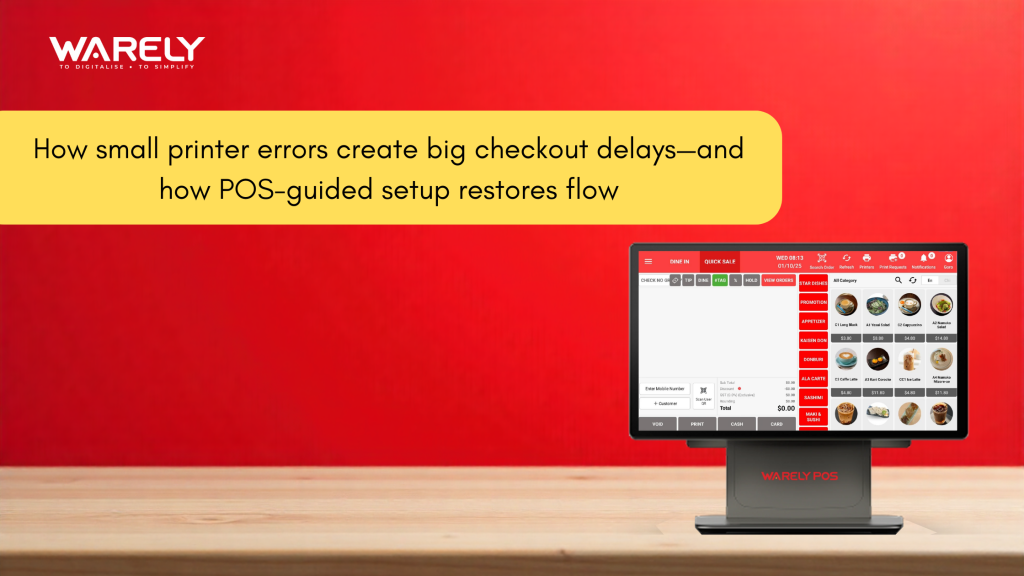
How small printer errors create big checkout delays—and how POS-guided setup restores flow
This article explains how minor printer and peripheral errors silently disrupt checkout flow in retail and F&B businesses. It explores why legacy POS systems fail at hardware connectivity and how Warely POS’s guided setup, auto-discovery, and self-healing connections eliminate delays, protect revenue, and restore operational rhythm—backed by real-world use cases and Singapore’s PSG Grant support.
Contents

CEO, Warely
Read »
How Inconsistent Tax Configuration Across Outlets Creates Compliance Risks—and How Warely POS Standardizes It
Imagine a busy Saturday afternoon. Your store is at capacity, customers are lining up with armfuls of products, and the energy is high. Suddenly, the rhythm stops. The receipt printer disconnects entirely. The cashier freezes, the line stalls, and customers start checking their watches. This is a revenue killer in retail and food and beverage, not merely a technological issue.
Operational efficiency is often sabotaged not by major server crashes, but by the smallest hardware failures. Here is how printer errors destroy checkout flow and how Warely’s POS-guided setup eliminates the friction.
The Hidden Cost of the “Blinking Red Light”
When a thermal printer fails, the cost is calculated in seconds, but the loss is measured in lifetime value. Studies in queue psychology show that after three minutes of unexplained waiting, perceived wait time doubles. If a cashier has to fiddle with a LAN cable or restart a router while a customer waits, you aren’t just delaying a transaction; you are eroding trust.
The modern consumer demands speed. A printer error forces staff to abandon customer service to become impromptu IT technicians. This shift in focus breaks the “service charm,” turning a pleasant shopping experience into a stressful ordeal for both the employee and the shopper.
Why Legacy POS Systems Fail at Peripherals
The root cause of most printer delays lies in the architecture of legacy Point of Sale (POS) systems. Traditional setups treat printers, scanners, and cash drawers as external, dumb accessories that require manual IP configuration.
If a router resets and assigns a new IP address to a printer, a legacy POS loses the connection. It doesn’t know where the printer went. This leads to the dreaded “Printer Not Found” error, requiring a manager to dig through settings menus, print configuration slips, and manually re-enter numbers—all while the line grows longer.
Enter Warely: The Philosophy of Guided Setup
Warely pos approaches hardware connectivity differently. Instead of relying on static configurations that break easily, Warely pos utilizes a Guided Setup architecture. This is an intelligent software layer that actively manages the relationship between the iPad/terminal and the peripheral hardware.
it anticipates the problem (disconnection) and provides the direct solution without human intervention. It transforms the setup from a technical chore into a seamless, background process.
How Warely’s “Plug-and-Play” Actually Works
True “plug-and-play” is rare in enterprise hardware, but Warely achieves it through auto-discovery protocols. When a printer is plugged into the network:
- Auto-Detection: Warely scans the local network to identify supported hardware immediately.
- Visual Pairing: The POS screen displays the available printer with a visual icon, removing the need to guess IP addresses.
- One-Tap Configuration: Staff simply tap the device on the screen, and the system configures the drivers and handshake protocols instantly.
This reduces setup time from an average of 20 minutes (on legacy systems) to under 30 seconds.
Real Customer Success Story: The Weekend Rush at “Urban Orchard”
The Scenario: Urban Orchard, a high-volume organic grocer in the CBD, struggled with network fluctuations. Every time their internet flickered, their kitchen printers for the deli counter would desync, causing missed sandwich orders and angry lunch crowds.
The Warely pos Fix: After switching to Warely pos, the deli team utilized the Guided Setup. During a busy Friday lunch, a power surge reset their router. On the old system, this required a reboot of the entire register. With Warely, the POS automatically recognized the printers as they came back online. The “Pending Orders” queue flushed to the printer immediately, and service continued without a single missed ticket.
Self-Healing Connections: The End of Troubleshooting
The most powerful feature of Warely’s guided setup is its self-healing capability. In a standard retail environment, IP conflicts happen. Two devices might try to claim the same network address.
Warely pos is smart enough to detect these conflicts. If a printer’s address changes, Warely’s background services update the path automatically. The cashier never sees an error message. They simply hit “Print,” and the receipt appears. This creates an invisible layer of reliability that protects the checkout flow from network chaos.
Beyond the Printer: A Unified Ecosystem
The Guided Setup logic extends beyond just receipt printers. It applies to kitchen display systems (KDS), barcode scanners, and payment terminals. By standardizing how devices connect, Warely creates a unified ecosystem.
If a scanner disconnects, the system provides a simple, on-screen visual prompt to reconnect it—often just scanning a QR code on the screen. This empowers junior staff to solve minor hardware issues instantly without calling a manager, keeping the checkout line moving.
The Economic Edge: 50% Off with Singapore’s PSG Grant
Upgrading your POS infrastructure to achieve this level of reliability is not just an operational decision; it is a financial one. For Singapore-based businesses, the transition is significantly de-risked through government support.
Warely is a pre-approved solution under the Productivity Solutions Grant (PSG). This allows eligible Small and Medium Enterprises (SMEs) to claim up to 50% funding support for the adoption of Warely’s system.
- Why this matters: You aren’t just buying software; you are investing in operational flow.
- The ROI: By cutting hardware troubleshooting time by 90% and reducing queue abandonment, the system pays for itself. The grant simply accelerates that return on investment, making enterprise-grade reliability accessible to independent retailers.
Conclusion: Restoring the Flow
In the high-stakes world of retail and hospitality, flow is everything. A smooth checkout process is the final impression you leave with your customer. Allowing a ten-year-old printer driver to dictate that experience is a risk you no longer need to take.
Warely POS-guided setup removes the technical barriers between your staff and their tools. It ensures that technology serves the transaction, not the other way around. With the added incentive of the PSG Grant, there has never been a better time to silence the error beeps and restore the rhythm of your business.
Looking for a complete POS solution?

Related Blogs

 Riya
Riya Read >>
 Riya
Riya Read >>
 Riya
Riya Read >>

31 Woodlands Cl,
#08-04, Woodlands Horizon,
Singapore 737855
Newsletter

Solutions
Company
Insights

 From Singapore