
pos
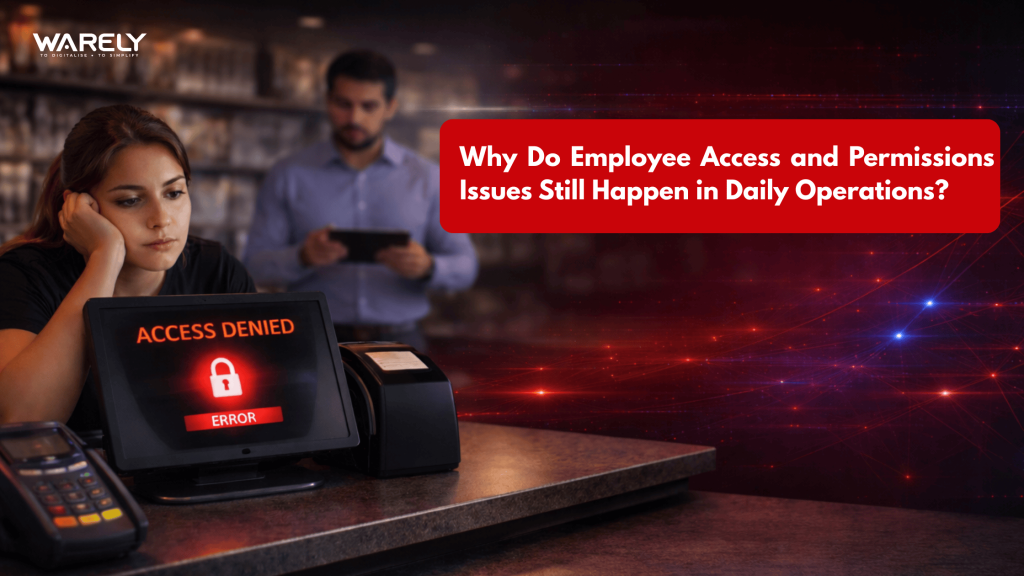
Why Do Employee Access and Permissions Issues Still Happen in Daily Operations?
Employee access and permission issues continue to disrupt daily operations in restaurants and retail businesses—not due to staff negligence, but because POS systems are often not configured for real-world workflows. This blog explores the hidden causes behind unauthorized actions, shared credentials, and lack of real-time visibility, while highlighting how Warely POS provides role-based access control, granular permissions, and live monitoring to prevent revenue leakage and improve operational efficiency.
Contents

CEO, Warely
Read »
How does Warely POS enable end-to-end automation from order placement to kitchen
Business Insight: How a Singapore Restaurant Saves More Time After Switching to Warely POS
The Shift That Made a Manager Question Everything
It’s a Friday evening. Tables are full, the queue at the counter is three deep, and your most trusted cashier is juggling orders with one hand while waving down the kitchen with the other. In the middle of that chaos, a 30% discount goes through on a $120 table bill. No manager approved it. No promotion was running. And by the time anyone noticed, the customer was gone — and so was the context.
Was it a mistake? A favor to a friend? Simple negligence?
You’ll never know for sure, because your system logged what happened — not why it was allowed to happen.
This is the quiet operational failure that plays out in restaurants, cafés, and retail stores every single day: employee access and permissions issues that slip through the cracks not because people are careless, but because the systems meant to prevent them weren’t built for the reality of fast-paced operations.
Why This Problem Exists — And It’s Not Just Human Error
Most managers assume access issues come down to staff misconduct or oversight. That’s part of it. But the root causes run much deeper.
1. Systems That Don’t Match How Teams Actually Work
Most POS setups are configured once — during installation — and rarely revisited. Meanwhile, your team is constantly shifting. Part-timers become full-timers. Seasonal staff come and go. Roles blur during peak hours when someone needs to “just jump in and help.” The system never gets updated to reflect these changes, which means permissions either become too broad or too rigid.
The result? Staff either have access to things they shouldn’t, or they’re locked out of things they need — both of which slow down service and introduce risk.
2. Shared Credentials and Workarounds
When a POS system doesn’t support role-specific logins cleanly, teams find workarounds. A manager’s PIN gets shared “just for this rush.” An employee uses a colleague’s login because it has access to the refund function. These informal fixes feel harmless in the moment, but they eliminate all meaningful accountability.
Once credentials are shared, the audit trail is useless. You can’t trace an unauthorized action back to a person — only to a login.
3. No Visibility Between Transactions
Even when access controls are technically in place, many systems offer poor real-time visibility. A business owner reviews reports at the end of the day or week, long after any damage has been done. The gap between something happening and someone noticing is where most revenue leakage lives.
What It Actually Costs You
Permissions issues aren’t just an IT concern. They translate directly into business impact that compounds quietly over time.
Revenue leakage is the most common consequence. Unauthorized discounts, voided transactions, and manipulated prices — even if they happen infrequently — eat into margins you’ve worked hard to protect.
Inventory discrepancies emerge when staff can process refunds, adjustments, or write-offs without adequate oversight. Products disappear from your records in ways that are difficult to trace.
Manager frustration builds when they’re held accountable for gaps they didn’t create and can’t see in real time. They’re firefighting instead of leading.
Staff trust erodes, too. When permissions are unclear, even well-intentioned employees make mistakes — and honest mistakes are harder to distinguish from deliberate ones.
We Have a POS, So We’re Covered” is a dangerous assumption.
Here’s the insight most operators miss: owning a POS system doesn’t mean you have control. It means you have a recording.
A basic POS logs what happened. A well-configured role-based access system shapes what can happen — before it occurs.
The distinction matters enormously. Logging a 30% discount after the fact tells you something went wrong. Preventing that discount from going through without a manager’s PIN stops the problem entirely.
Most businesses invest in POS software for speed and reporting. Very few configure it with employee access control as a core operational priority. That gap — between having a system and having genuine control — is where permission failures live.
How Warely POS Closes That Gap
Warely POS was designed with this specific operational reality in mind. It’s not about adding more features — it’s about giving operators the structure to manage who can do what, when, and how.
Role-Based Permissions That Reflect Real Teams
Rather than a one-size-fits-all access level, Warely POS allows you to define permissions by role. Cashiers can process sales. Supervisors can apply discounts up to a defined threshold. Managers control refunds and overrides. No one touches what they shouldn’t — not because you’re watching, but because the system prevents it by design.
This is role-based access done properly: built around how your actual team operates, not how a developer imagined it might.
Granular Control Without Complexity
One of the practical frustrations with POS permissions is that they’re often binary — either someone has access or they don’t. Warely POS offers granular access control, letting you configure permissions at a functional level. Approve discounts up to 10%, but require manager override above that. Allow refunds for same-day transactions only. Grant reporting access without enabling pricing changes.
These aren’t hypothetical configurations. They’re the specific controls that close the gaps where revenue leaks.
Real-Time Monitoring That Keeps You Ahead
Instead of end-of-day reviews, Warely POS surfaces activity in real time. Unusual transaction patterns, override activity, or discount spikes can be spotted and addressed while the shift is still running — not the following morning when context is long gone.
This moves access control from reactive to genuinely preventive.
Before and After: What Changes When You Get This Right
Before: A manager at a busy café spends two hours every week reconciling discrepancies they can’t explain. Staff know that the end-of-shift reports rarely catch individual transactions. Permissions haven’t been reviewed since the system was installed.
After: Each employee logs in with their own credentials mapped to their role. Discount requests above a set limit require manager approval directly at the terminal. The weekly reconciliation takes 20 minutes, and anomalies are flagged automatically — not discovered manually.
The difference isn’t dramatic technology. It’s operational structure, applied through the right retail POS software configuration.
The Takeaway
Employee access and permissions issues don’t happen because your staff is dishonest or your managers aren’t paying attention. They happen because most operations run on systems configured for convenience, not control — and the gap between the two is wide enough to cost real money.
The question isn’t whether your business has a POS system. It’s whether that system gives you genuine visibility and preventive control, or just a record of what already went wrong.
If you’ve been dealing with unexplained discrepancies, manager frustration, or a nagging sense that your access setup isn’t quite right, it’s worth exploring what a properly configured role-based access system can actually do for your daily operations.
Warely POS is worth a closer look — not as a fix for bad staff, but as the operational infrastructure that good teams deserve.
Looking for a complete POS solution?

Related Blogs

 Riya
Riya Read >>
 Riya
Riya Read >>
 Riya
Riya Read >>

31 Woodlands Cl,
#08-04, Woodlands Horizon,
Singapore 737855
Newsletter

Solutions
Company
Insights

 From Singapore